
Sublustrum Piano Puzzle: Playtest Slider Solution
Set the piano sliders to 2, 5, 7, 5, 4 with this community-reported Sublustrum playtest solution, including counting and chamber hints.
FAQ
What are the piano slider positions in the Sublustrum playtest?
Does the lowest dot count as zero?
Is the pattern also used inside the chamber?
What is the piano puzzle answer?
The reported slider pattern is 2–5–7–5–4, read from left to right. The lowest dot is 1, and the last slider is marked X. This answer comes from TheGamingTeacher in the October 12 Steam discussion, “Sliders with the piano puzzle?”.
We have not tested the combination ourselves. The useful distinction is that this source discusses the current playtest, rather than merely repeating an old Outcry walkthrough. For the test dates and what Chapter One includes, start with the playtest guide.
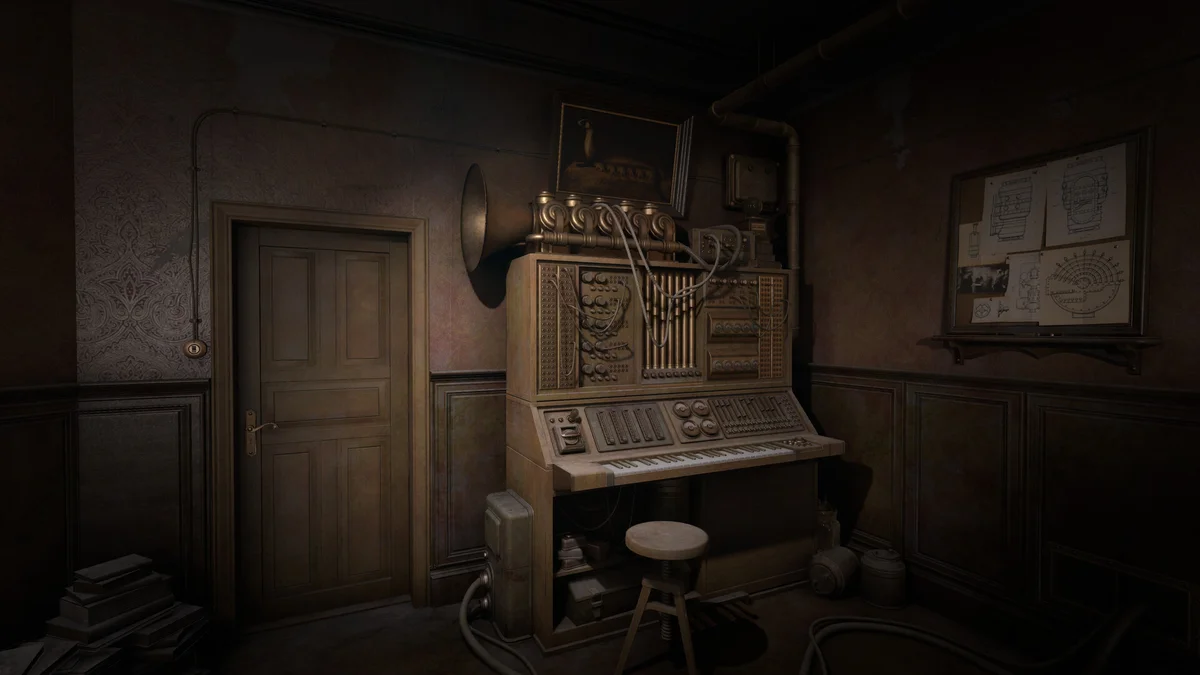
Official promotional image, credited to Brickworks Games / HypeTrain Digital. It illustrates the instrument, not the solution positions.
How do I count and set the sliders?
Use the dots as positions, not the spaces between them:
- Identify the five sliders and read them from left to right.
- Count each slider’s lowest dot as position 1.
- Set slider 1 to dot 2 and slider 2 to dot 5.
- Set slider 3 to dot 7 and slider 4 to dot 5.
- Set the final slider, marked X, to dot 4.
That counting convention matters: starting at zero would shift every setting away from the reported answer. The source does not establish a keyboard shortcut or a required confirmation-button sequence, so neither is assumed here.
What if I cannot hear a change?
Several players in the same thread reported that the tone seemed unchanged. Another reply describes the difference as subtle and recommends headphones, working from the leftmost slider towards the right. Headphones are a player suggestion here, not a verified technical requirement.
Before repeating the puzzle, check your counting and slider order. If the sound remains unclear, the reported numeric pattern gives you something concrete to compare against. We cannot confirm what visual signal should appear after a correct setting. The puzzle guide explains the broader sound-led approach without relying on unverified feedback cues.
Official promotional image. It illustrates the study environment, not an interaction sequence or a solved mechanism.
What happens inside the chamber?
TheGamingTeacher adds that the same values are used inside the chamber after the piano sliders. Treat that as a follow-up hint from the same community source. It does not prove that the entire capsule is ready: other machinery and missing objects are separate questions. See the fourth-valve location and cooling-system hints if those are your remaining obstacles.
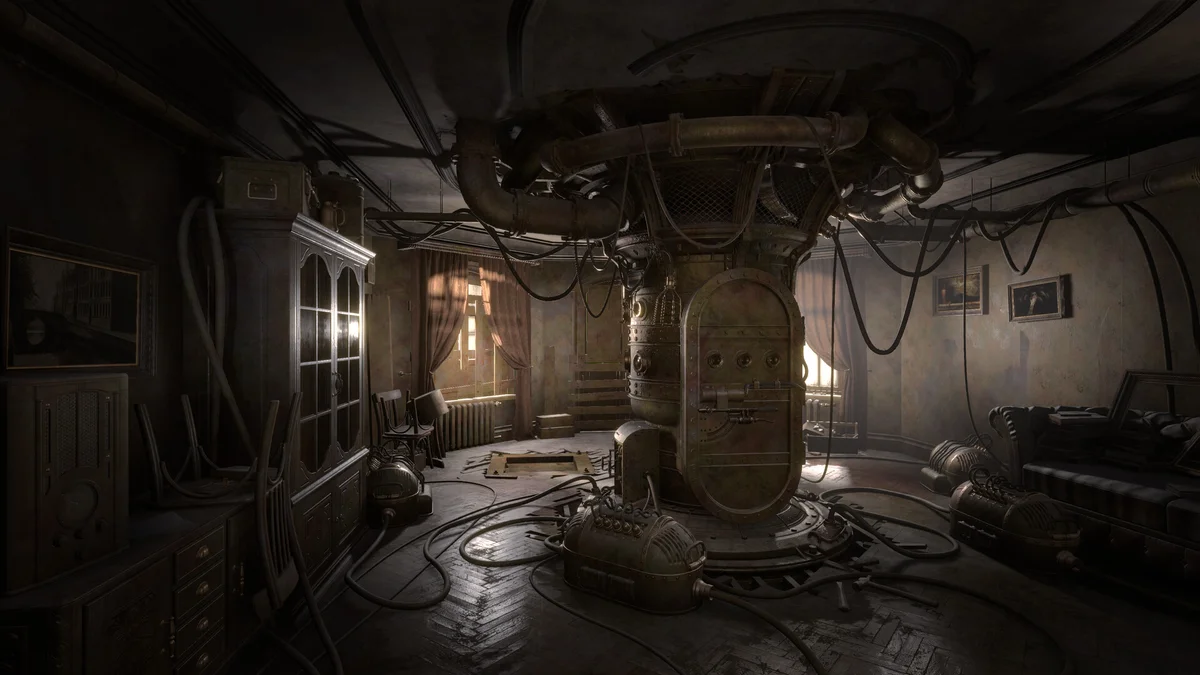
Official promotional image. It shows the capsule’s setting, not the chamber’s solved controls.
Is this copied from the 2008 game?
The current article’s evidence is an October playtest reply. Even where a number matches an older guide, that coincidence alone would not verify it for the remake. The developers say familiar puzzles were refined and given new details. Read Outcry and the 2008 original before using historical walkthroughs for anything beyond background.
Related Articles
guides
Sublustrum Cooling Puzzle: Valve Hints and Source Check
Check the missing wheel, valve clues and disputed 6-0-2-3 sequence in Sublustrum's playtest cooling puzzle, with clear limits and community sources.
guides
Sublustrum Fourth Valve: Where to Find the Missing Wheel
Find the missing fourth cooling valve in the Sublustrum playtest: the apartment's high cabinet and Echophone scan, with dated community sources.
guides
Sublustrum Playtest Guide: Access and Chapter One Help
Join the October 12–25 Sublustrum Steam playtest, check Chapter One puzzle help, and distinguish community hints from verified walkthrough steps.
Was this helpful?
Thanks for the feedback!