
Sublustrum Echophone Guide: Reveal Hidden Objects
Use the Echophone to reveal hidden objects in the Sublustrum playtest. Follow the recorded scissors example with screenshots and exact video timestamps.
FAQ
What does the Echophone do in Sublustrum?
Where do I find the Echophone itself?
Does a cupboard always contain a hidden object?
How does the Echophone reveal an object?
Raise the Echophone, aim at the suspected object, and check for a visible response before trying to collect it. In the example below, the player scans the low ledge beside the basement ladder below the greenhouse. The scissors become visible on the low ledge, followed by an inspection view identifying the collected object.
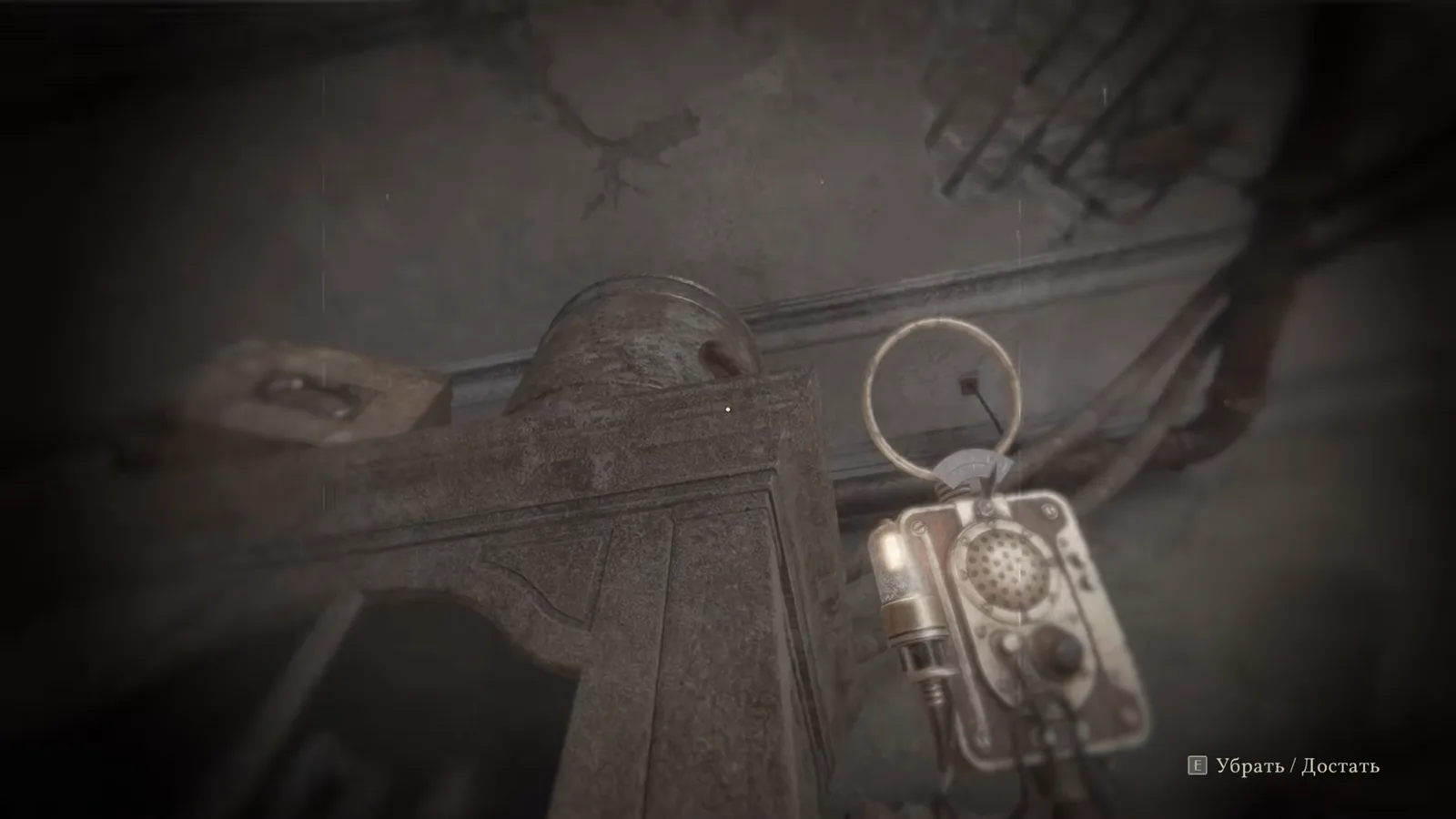
Actual October playtest footage, captured from Qustat’s walkthrough. The cupboard illustrates a scan target; this frame alone does not prove a pickup.
Which recording supports these steps?
Source: Qustat — Sublustrum playtest walkthrough, reviewed on October 14, 2026. The recording uses the Russian game interface. The sequence at 5:48–5:54 shows raising the tool, revealing scissors and inspecting the result. There was no usable English transcript; these instructions come from the visible actions and game labels.
This is footage of the current 3D playtest, not the 2008 Outcry original. We reviewed a creator’s recording rather than performing a separate hands-on test. No key binding or guaranteed scan distance is inferred from it.
How can I reproduce the recorded scissors interaction?
-
1. Raise the Echophone beside the basement ladder below the greenhouse
Take out the Echophone while standing beside the ladder and lower machinery beneath the greenhouse. The recording begins with the tool already available, so this is an equip step rather than its original acquisition.
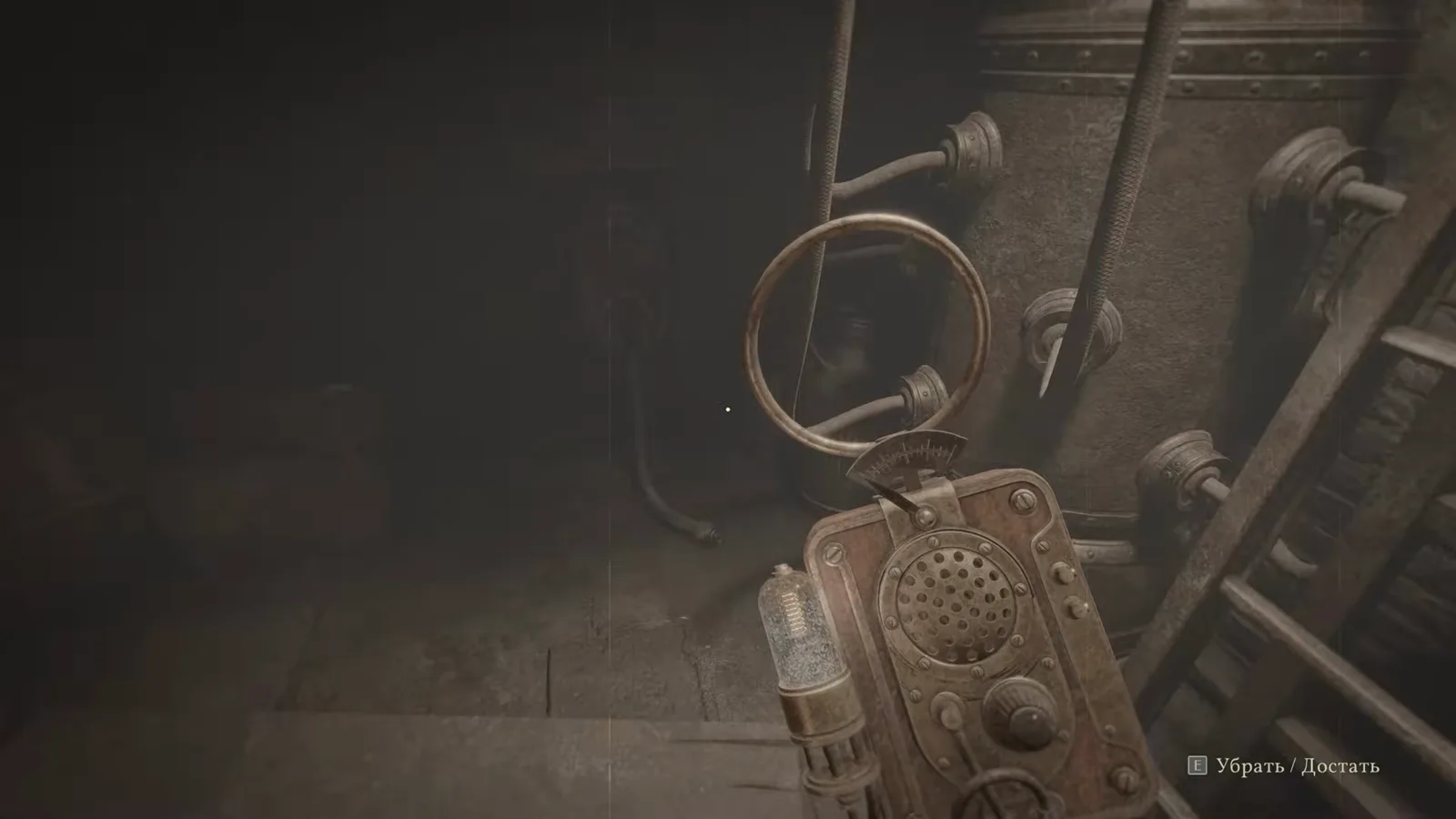
The handheld scanner is raised near the ladder. Watch the source at 5:48 -
2. Aim at the hidden scissors on the low ledge
Point the scanner toward the low ledge next to the ladder. In this recorded interaction, scissors become visible on the low ledge, with a bright spot on the nearby floor. Use the revealed object to identify the target rather than guessing that every nearby surface contains something.
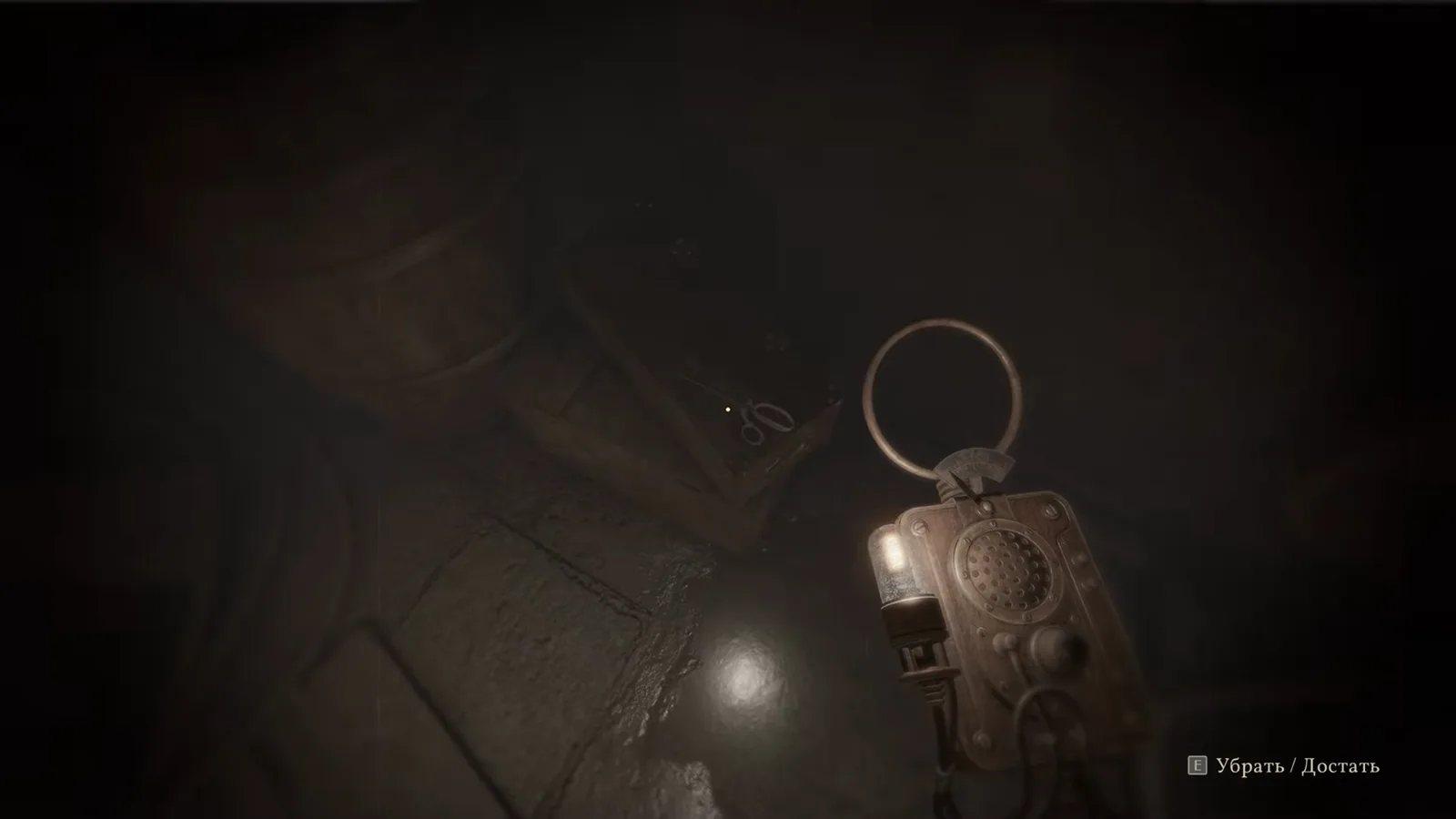
The scan produces a visible response at the scissors. Watch the source at 5:52 -
3. Collect and inspect the revealed object
Interact with the revealed object. The next inspection view shows scissors, confirming what was collected. This result completes the example; it does not establish that scanning automatically solves another puzzle.
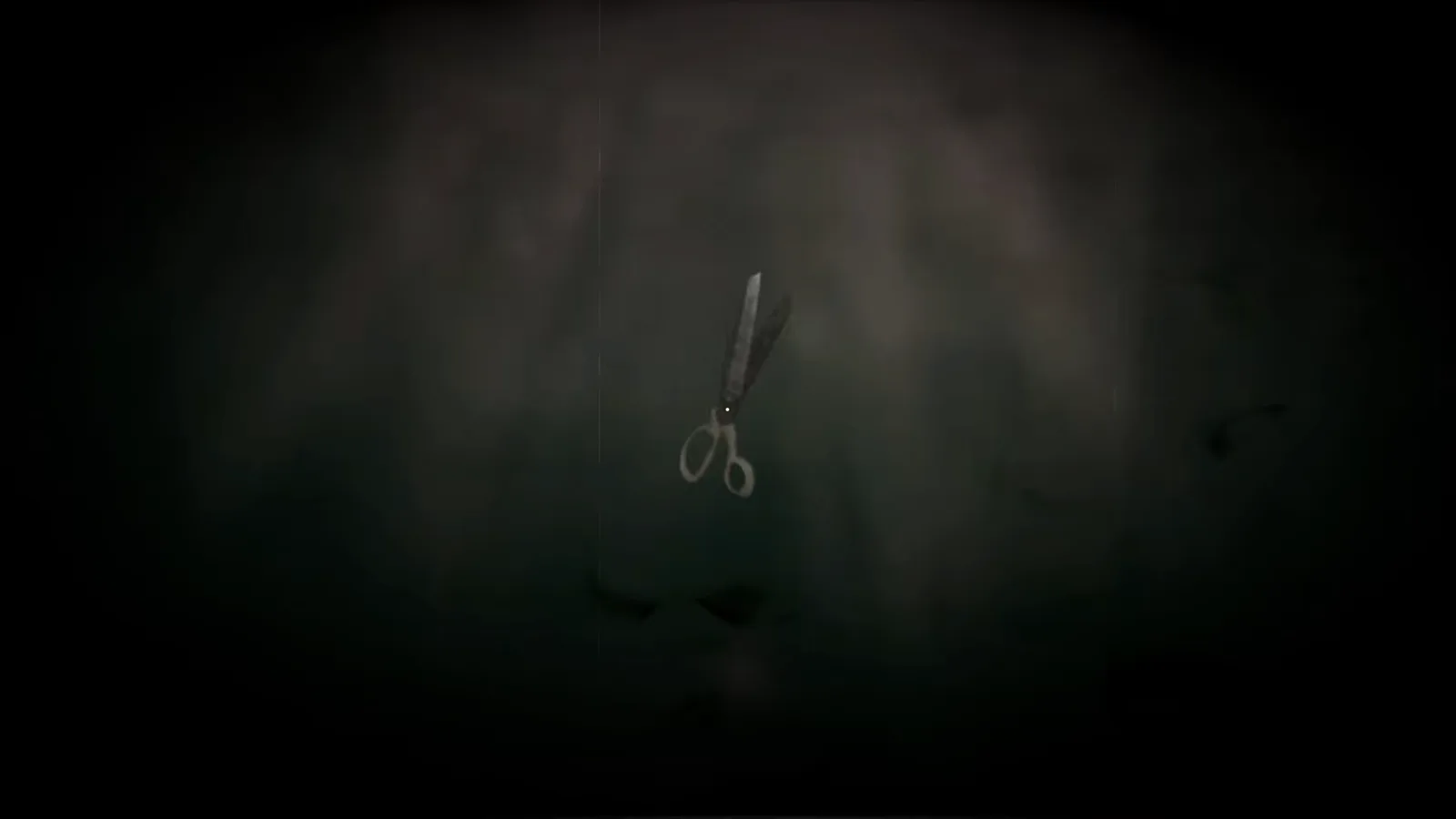
The collected object is shown in the inspection view. Watch the source at 5:54
What should I check when an item will not respond?
The footage supports a useful order: scan, observe the response, then interact. It does not establish a universal activation colour, a fixed holding time or a required scanner angle. If your current build behaves differently, compare the source timestamp with the object and location on your screen before treating it as a bug.
The fourth cooling-wheel guide covers a different target: community replies describe a high apartment cabinet that requires scanning before pickup. The main fuse walkthrough shows another apartment interaction. For a route through the separate obstacles, use the puzzle guide.
Where should I go next?
- Find and install the main fuse for the Organophone console and capsule compartment.
- Prepare the chemical mixture for the ethanol-first, ether-second clue.
- Check playtest access and scope before following advice for another edition or build.
Game imagery belongs to Brickworks Games / HypeTrain Digital; the recording is credited to Qustat. Every illustrated step links to its source time.
Related Articles
Guides
Sublustrum Chemical Mixture: Inhaler Recipe Guide
Prepare the Sublustrum playtest inhaler with five parts ethanol followed by three parts ether. Check the plant input, solvent labels and video evidence.
Guides
Sublustrum Main Fuse: Location and Installation Guide
Find the main fuse in the Sublustrum playtest and fit it into the capsule compartment. Follow the recorded console drawer route with screenshots.
Guides
Sublustrum Cooling Puzzle: Valve Hints and Source Check
Check the missing wheel, valve clues and disputed 6-0-2-3 sequence in Sublustrum's playtest cooling puzzle, with clear limits and community sources.
Was this helpful?
Thanks for the feedback!